
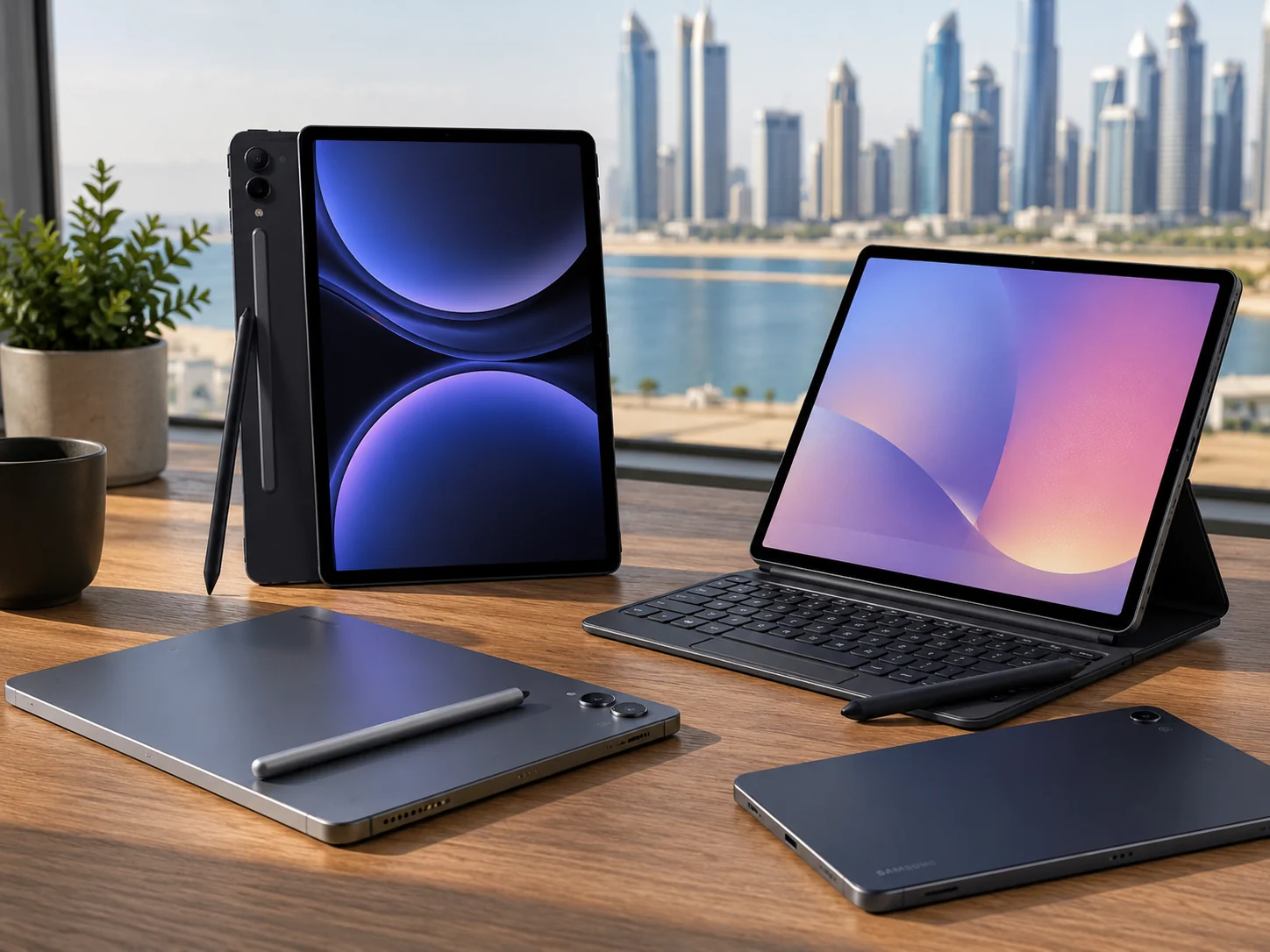
Medical college runs on paper. But most of that paper now lives on a screen. Anatomy atlases, 12-hour clinical shifts, lecture PDFs, late-night flashcard sessions a medical student’s tablet has to work as hard as they do. If you’re a student in Bangladesh weighing a Samsung Galaxy Tab against an iPad or a Windows laptop, it really comes down to three things: how good the S Pen feels for note-taking, whether the battery survives a full clinical day, and whether the screen is big enough to read a lecture slide without squinting.
Why Medical Students Are Choosing Samsung Galaxy Tab Over iPad
The Android Tablet vs iPad debate for medical college isn’t going away. But the gap has gotten a lot smaller. Samsung Galaxy Tab S-series now matches the iPad Pro on S Pen latency. It offers genuinely useful multitasking through Samsung DeX. And for budget-conscious students, it gives you far more choice per taka. A Galaxy Tab S9 FE costs less than an equivalent iPad Air, and it still handles Complete Anatomy, GoodNotes-style annotation apps, and PDF-heavy lecture slides without hesitation.
That said, the iPad still wins in one narrow case. Some medical colleges use Examplify for exams and restrict devices to iPad or Windows laptops. If your program requires Examplify or Windows-only proctoring for NBME or HESI/ATI testing, check your college’s exam software policy before you buy. But for coursework, note-taking, and everyday study, a Samsung Galaxy Tab does the job just as well.
Best Apps for Medical Students on a Samsung Tablet
A good tablet is only half the equation. The apps you put on it matter just as much. Complete Anatomy is the standout pick for 3D anatomy and dissection study, and it runs smoothly on the Galaxy Tab S-series thanks to the AMOLED display and S Pen support. For reading and marking up lecture PDFs, Xodo is a solid free option that handles annotation, highlighting, and note layers well. Anki remains the go-to for spaced-repetition flashcards, especially during exam season, and it works fine even on the budget-friendly Galaxy Tab A11+.
If you take handwritten notes, Samsung Notes comes preinstalled on Samsung Tablet. And pairs naturally with the S Pen, so it’s a good starting point before you look at paid alternatives. For students who want a laptop-like workflow, Samsung DeX lets you run apps in resizable windows and type up case reports or assignments with a keyboard and mouse. And for exam prep, apps like UWorld and AMBOSS both work through the browser or a dedicated app, so they run without issues on any Galaxy Tab model.
List of Best Samsung Tablets for Medical Students
Samsung Galaxy Tab S10 FE: The All-Round Best Pick
The Samsung Galaxy Tab S10 FE is the sweet spot for most students. It has a 10.9-inch 90Hz display, 8GB RAM, and an included S Pen, so it’s great for note-taking. Its 8000mAh battery with 45W fast charging easily outlasts a long lecture day. It runs Complete Anatomy, Xodo, and Anki without lag, and Samsung DeX turns it into a decent laptop replacement for typing up case reports. At Star Tech, it’s priced at around ৳47,000 the best value if you want flagship-level performance without flagship pricing. Best for: Students who want one tablet for lectures, note-taking, and light DeX-based productivity.
Samsung Galaxy Tab A11+: Best Budget Tablet
Not every student needs a premium tablet in the first or second year, when the workload is mostly PDFs and lecture recordings rather than heavy anatomy apps. The Galaxy Tab A11+ has an 11-inch display, a 7040mAh battery, and Dolby Atmos quad speakers, and it’s genuinely affordable around ৳26,800 at Star Tech, or ৳35,500 for the 5G version. It doesn’t officially support the S Pen the way the S-series does, so if you need serious handwritten notes, budget up for the Tab S10 FE instead. But for reading, PDF annotation in Xodo, and everyday coursework, it’s the best budget option. Best for: First and second-year students on a tighter budget, or as a lightweight backup device.
Samsung Galaxy Tab S11: Best for Anatomy Study and Heavy Multitasking
Anatomy modules, 3D dissection apps like Complete Anatomy, and dense radiology images all benefit from a sharper, bigger display and faster hardware. The Samsung Galaxy Tab S11 has an 11-inch Dynamic AMOLED 2X panel at 120Hz, a Dimensity 9400+ chipset, 12GB RAM, and IP68 durability, genuinely useful if you’re carrying a tablet through wards and labs. It costs around ৳76,000 at Star Tech. That’s a bigger investment, but the AMOLED display and faster S Pen response make a real difference when you’re studying detailed anatomical diagrams and cross-sectional imaging. Best for: Students who want top display quality for anatomy and imaging-heavy coursework, and who plan to use DeX regularly.
Samsung Galaxy Tab S11 Ultra: For a Laptop Replacement
At the top of the range, the Tab S11 Ultra’s 14.6-inch AMOLED display and 12GB+ RAM make it feel more like a two-in-one laptop than a study tablet. It’s great if you want to write case reports, review radiology images at near-monitor size, and run DeX as your daily driver. But at roughly ৳126,800 at Star Tech, it’s a big investment better suited to senior students or residents with a settled workflow than someone just starting out.
Where to Buy a Samsung Galaxy Tab in Bangladesh
Once you’ve picked a model, buy from an authorized retailer. Grey-market imports don’t guarantee official warranty coverage or genuine accessories. Star Tech is a trusted Samsung Tablet shop in Bangladesh. It stocks the full current Galaxy Tab lineup, from the Galaxy Tab A11 to the Tab S11 Ultra, offers EMI plans that make higher-end models like the Tab S10 FE or Tab S11 easier to afford on a student income, and delivers nationwide for students outside Dhaka.
